If you have applied for a new MEPCO electricity connection and your application has reached the demand-notice stage, the next step is to obtain the MEPCO new connection demand notice and pay the amount shown on it. The notice contains the connection-related charges you need to pay before MEPCO can proceed with the connection.
This guide explains how the demand notice works, how to download or receive it, how to pay it, what to check before payment, and what happens after you submit proof of payment.
Table of Contents
What Is a MEPCO New Connection Demand Notice?
A demand notice is a payment document issued during the electricity new-connection process. It tells the applicant what amount needs to be paid for the connection-related requirements identified by the distribution company.
The MEPCO new connection demand notice is not the same as your regular monthly electricity bill. A monthly bill is issued after an electricity connection is active, while a demand notice is part of the process of obtaining a new connection or completing certain connection-related work.
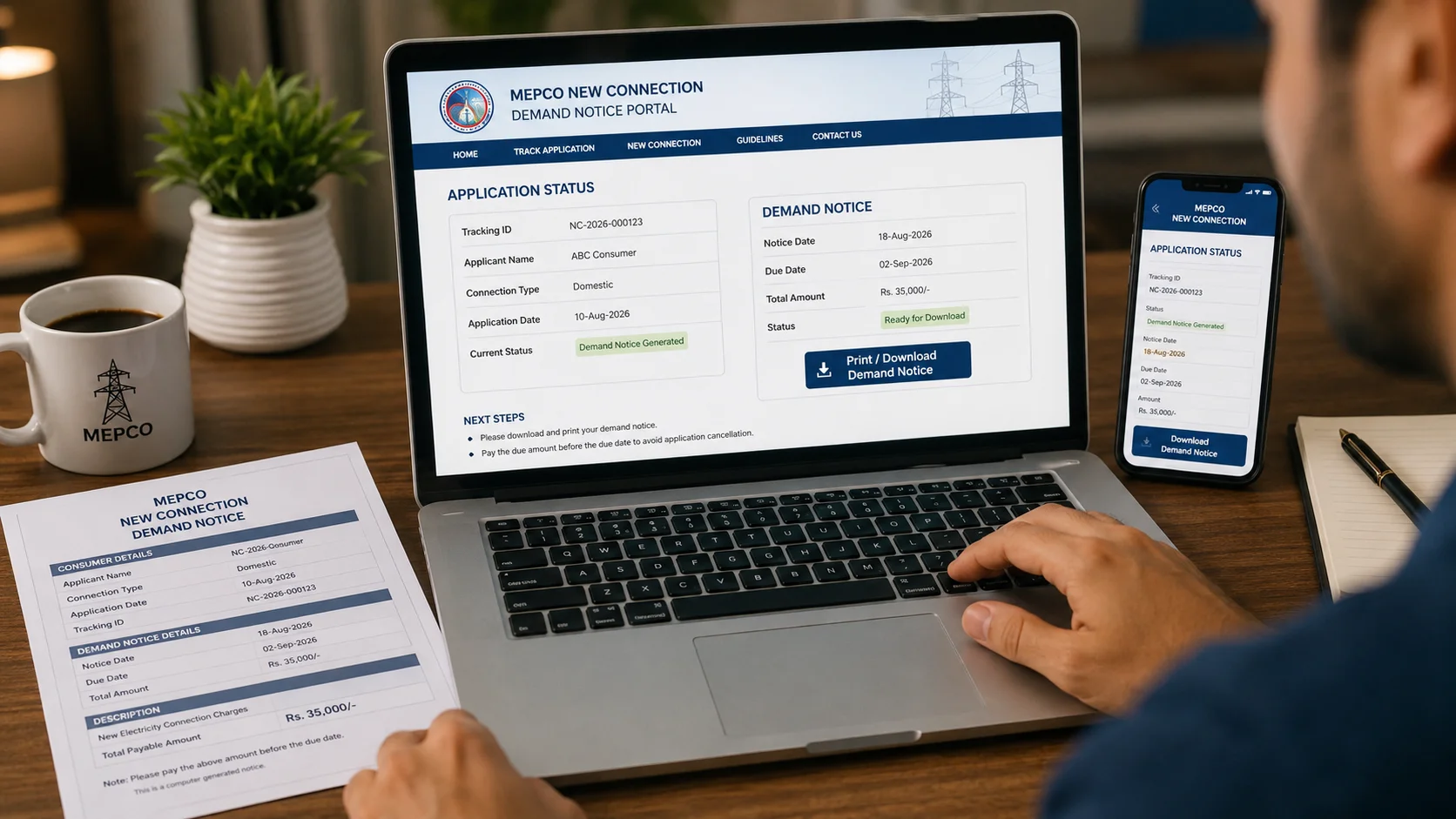
According to the Consumer Service Manual, after a new-connection application is received, the distribution company assigns a serial number, tracking ID, or case ID. Once the application reaches the appropriate stage, the demand notice may be sent electronically or by post/courier, collected from the relevant office, or downloaded using the tracking or case ID.
When Is the MEPCO Demand Notice Issued?
The demand notice is issued after the application has gone through the required processing stages.
A simplified process looks like this:
- Submit the new connection application.
- Provide the required supporting documents.
- Receive your application or tracking/case ID.
- MEPCO processes and reviews the application.
- Connection-related charges are determined.
- The demand notice is issued.
- The applicant pays the required amount.
- Payment is acknowledged and the connection process continues.
The exact processing steps can differ depending on the type of connection, sanctioned load, location, and other technical or administrative requirements.
Why the Demand Notice Matters
Think of the demand notice as a payment milestone in your new-connection application.
Receiving it generally means your application has progressed to a stage where the specified charges have been calculated and payment is required. However, receiving the notice does not mean that the meter is already installed or that electricity has already been energized.
How to Get Your MEPCO Demand Notice
There are several ways an applicant may receive or obtain a demand notice.
1. Check Your Application Online
If your application was submitted through the relevant online new-connection system, use your application information or tracking/case ID to check its progress.
PITC’s Electricity New Connection system supports online application submission and application tracking, while the system also supports demand-notice payment integration.
2. Check Your Registered Contact Details
Depending on the processing arrangements, the demand notice may be communicated through the contact information associated with your application.
Check the email address and phone number you provided when applying. Also check your spam or junk email folder if you were expecting an electronic notice.
3. Contact the Relevant MEPCO Office
If your application has progressed but you cannot access the notice online, contact the relevant MEPCO office or customer facilitation center with your application/tracking details.
Keep your application information available so staff can locate your case more easily.
How to Download MEPCO New Connection Demand Notice Online
If your application is eligible for online demand-notice access, the basic process is straightforward.
Step 1: Keep Your Tracking or Case ID Ready
You should keep the tracking ID, case ID, or other application information issued when you submitted the new connection application.
This information is particularly useful because the Consumer Service Manual specifically allows demand notices to be downloaded using the tracking ID or case ID.
Step 2: Open the New Connection System
Use the appropriate official electricity new-connection system and look for the option related to tracking, printing, or demand notices.
The online ENC system provides functions including Track, Apply, Print Form, Print DN, Pay DN, and Upload DN, although the exact options displayed can depend on the distribution company and application status.
Step 3: Enter Your Application Information
Enter the requested tracking/application information carefully.
If the system does not find your application, double-check the number before assuming there is a problem with the application itself.
Step 4: Open or Print the Demand Notice
Once the notice becomes available, review it before making payment. Save a digital copy and, if practical, keep a printed copy for your records.
What Information Should You Check on the Demand Notice?
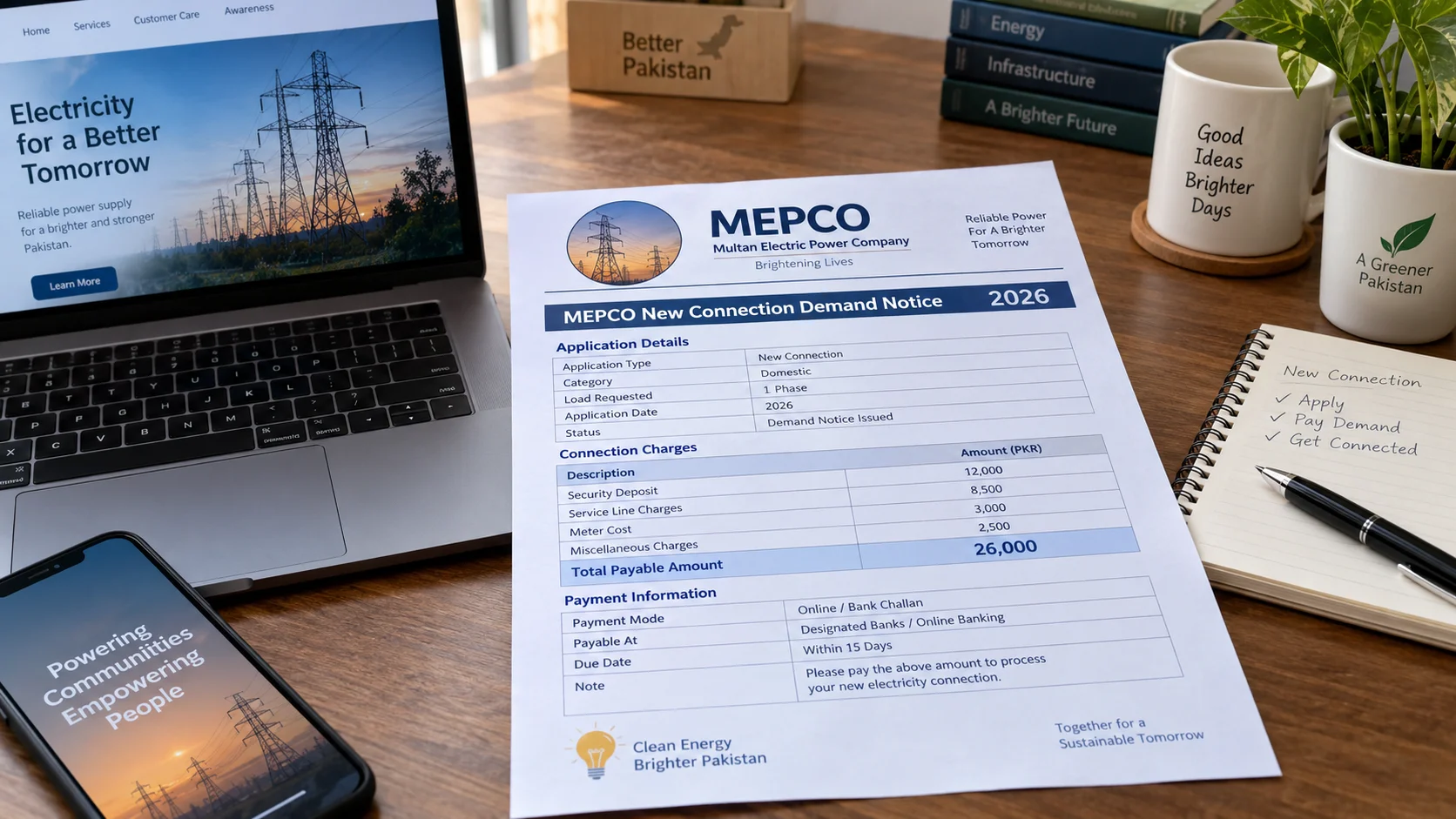
Before paying, take a minute to verify the information shown on the document.
Look for:
- Applicant name
- Application or case details
- Connection category
- Applicable charges
- Total payable amount
- Payment instructions
- Validity or payment deadline, if shown
- Relevant MEPCO office or division information
- Any additional instructions
Don’t Rely on a Random Amount Found Online
One useful distinction is that there may not be one universal “MEPCO new connection fee” that applies to every applicant.
The amount on your demand notice can depend on the connection requirements and applicable charges for your particular case. Therefore, avoid paying an amount copied from an old article, social-media post, or another applicant’s notice.
The amount printed on your valid demand notice should be your primary reference for the payment due on that application.
That is a practical point many generic new-connection guides overlook.
MEPCO Demand Notice Payment Methods
Once the demand notice has been issued, the applicant needs to pay the required amount through an accepted payment method.
The Consumer Service Manual states that demand notices may be paid online or through designated banks.
Depending on the facilities available for your application, payment may involve an online payment option or an approved banking channel.
Before You Pay
Check these details:
- Make sure the applicant/application information is correct.
- Confirm the payable amount.
- Check whether the notice has a payment deadline.
- Use only an official or authorized payment channel.
- Keep the payment receipt or transaction confirmation.
Do not send money to an individual simply because someone claims they can “speed up” your MEPCO connection.
What Happens After Paying the Demand Notice?
Payment of the demand notice is an important step, but it is not necessarily the final step.
After payment, the payment needs to be recorded or acknowledged against your application. The connection process can then continue according to the applicable procedure.
The Consumer Service Manual states that after receipt or acknowledgement of demand-notice payment, the connection is to be energized within the stipulated time period.
The actual timing can depend on the connection type, field requirements, material availability, technical work, and other applicable conditions.
Keep Your Payment Proof
Don’t throw away your receipt after making payment.
Keep:
- Bank receipt
- Online transaction reference
- Screenshot of successful payment
- Copy of the demand notice
- Application/tracking ID
If the payment does not appear in the application record, these documents can help you demonstrate that the payment was made.
What If Your Demand Notice Is Not Available?
Sometimes an applicant reaches the expected stage but cannot immediately find the demand notice.
Try these steps:
- Recheck your application or tracking number.
- Check the online application status.
- Check your registered email and spam folder.
- Wait if the application has only recently moved to the demand-notice stage.
- Contact the relevant MEPCO office if the notice remains unavailable.
- Keep your application documents and identification information available.
Avoid submitting a second new-connection application simply because you cannot immediately locate the first demand notice. First determine the status of the existing application.
Common MEPCO Demand Notice Problems
“My demand notice is not showing online”
This can happen if the application has not reached the relevant stage or if the information entered does not match the application record.
Verify the tracking/case ID and application status first.
“I paid but my application has not updated”
Keep your payment receipt and transaction reference. Payment acknowledgement may need to be reflected in the relevant system before the application moves forward.
If the status remains unchanged, contact the appropriate MEPCO office with your payment evidence.
“The amount looks different from what I expected”
Do not assume the notice is incorrect simply because the amount differs from an amount you found online.
Connection charges can vary according to the requirements of the individual application. Check the details on your actual demand notice and ask MEPCO for clarification if something appears inconsistent.
A Simple Example of the MEPCO Demand Notice Process
Suppose Ahmed applies for a new electricity connection for his home.
His process could look like this:
| Stage | What happens |
|---|---|
| Application | Ahmed submits the new connection application |
| Tracking | He receives an application/tracking ID |
| Processing | MEPCO reviews the application |
| Demand Notice | The applicable charges are issued |
| Payment | Ahmed pays through an accepted channel |
| Proof | He saves the payment receipt |
| Next stage | Payment is acknowledged and connection work proceeds |
The important point is that Ahmed should follow his own application’s information and demand notice, rather than relying on another person’s connection charges.
How to Avoid Delays
A few simple habits can make the process easier:
- Enter your information carefully when applying.
- Keep your tracking/case ID somewhere safe.
- Monitor the application status.
- Check your registered contact details.
- Review the demand notice before payment.
- Pay through an authorized channel.
- Save the payment receipt.
- Follow up using your application details if the status does not change.
MEPCO New Connection Demand Notice: Quick Checklist
Before finishing the demand-notice stage, make sure you have:
- Application/tracking ID
- Demand notice copy
- Correct applicant details
- Correct payable amount
- Payment deadline, if applicable
- Payment receipt
- Transaction/reference number
- Contact details for follow-up
This small checklist can save you considerable trouble if you later need to ask about the status of your payment or connection.
Frequently Asked Questions
What is a MEPCO new connection demand notice?
A MEPCO new connection demand notice is a payment document issued during the new electricity connection process. It shows the applicable amount that the applicant needs to pay before the connection process can proceed.
How can I download my MEPCO demand notice?
If your application has reached the demand-notice stage and online access is available, you can use the relevant new-connection system and your tracking or case ID to access or print the notice. The Consumer Service Manual specifically provides for downloading demand notices through a tracking ID or case ID.
Can I pay the MEPCO demand notice online?
Yes. The Consumer Service Manual states that applicants may pay demand notices online or through designated banks. The payment options available to you can depend on the applicable system and your application.
How do I check my MEPCO new connection application status?
Use the application tracking facility associated with your new-connection application and enter the required tracking or case information. If you cannot access the status, contact the relevant MEPCO office with your application details.
What should I do if I paid the demand notice but my status has not changed?
Keep your payment receipt and transaction/reference number, then check the application again. If the payment remains unacknowledged, contact the relevant MEPCO office and provide your application and payment details.
Is the MEPCO new connection demand notice the same as an electricity bill?
No. A demand notice is associated with the new-connection process and its applicable charges. A regular electricity bill is issued after an electricity connection is active and electricity consumption is being billed.